When Your Phone Goes Silent: Understanding SIM Card Swapping Fraud

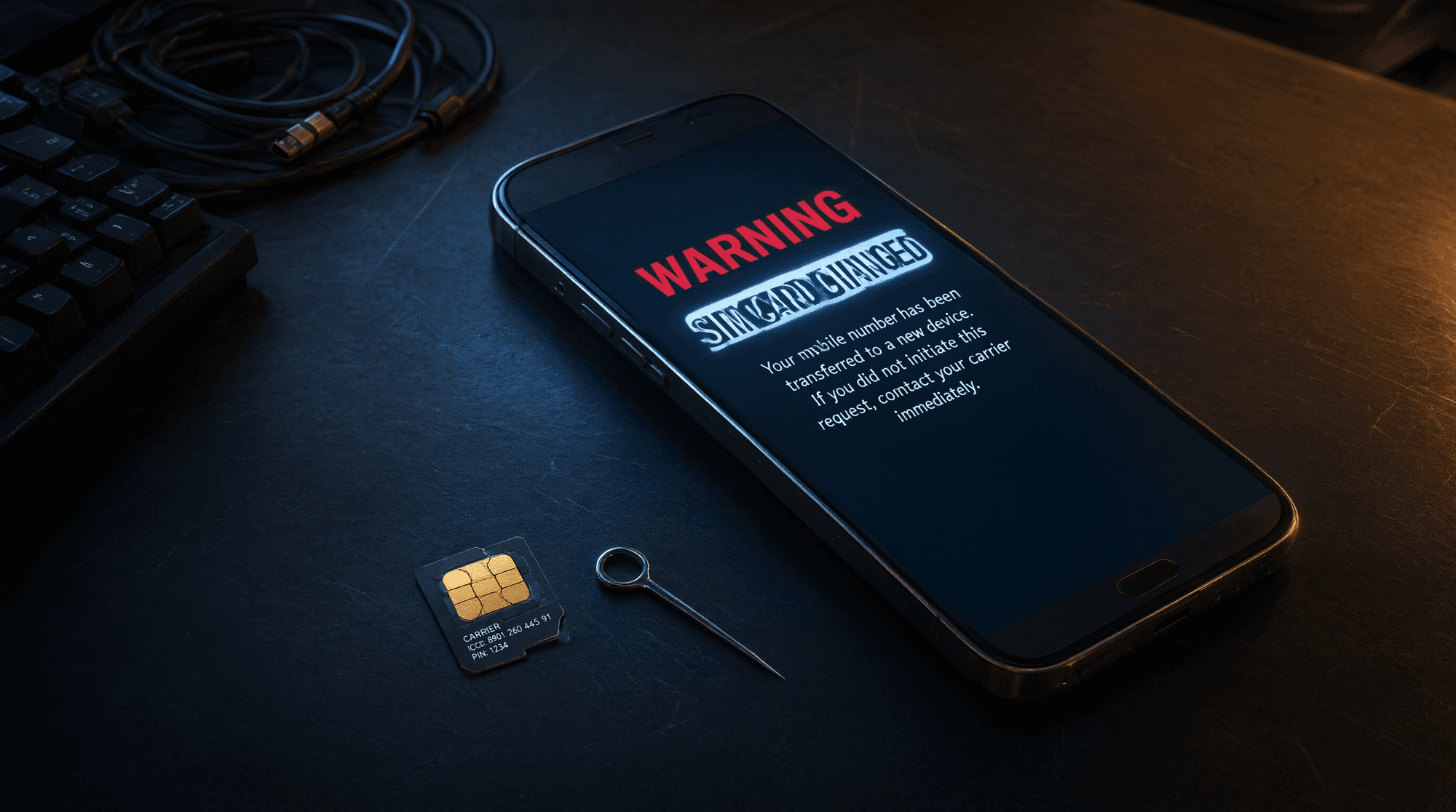
Most of us treat our mobile number as just a number. In practice, it is the key to our digital life. Bank OTPs, UPI verification, password resets and transaction alerts all travel to that one SIM card. So if someone else quietly takes control of it, they do not need to hack your bank. They only need to become you, as far as the phone network is concerned.
That is the idea behind SIM swapping. It is a form of identity theft, and the way it usually starts, with a convincing phone call, places it firmly within social engineering fraud.
What SIM swapping is
In a SIM swap, criminals manage to get a new SIM card issued for your registered mobile number through the telecom service provider. Once the new card is active, your number works on their phone instead of yours. Every call, SMS and OTP meant for you reaches them.
With that, they can receive the OTPs and other details needed to carry out financial transactions on your bank accounts. The victim's own phone simply stops working.
How it plays out
The pattern described in awareness material from law enforcement usually follows a few steps.
Step one: the blank SIM. The criminals get hold of a blank SIM card. In the scenario described, the supply comes through a SIM card retailer who is part of the gang. This shows that the fraud often has an insider link, and it is not only about fooling the customer.
Step two: the call. The fraudster phones the victim, posing as a customer care executive of the telecom provider. The reason offered is a 4G SIM upgrade. The victim is told that unless they do this, their SIM services will be blocked, a standard pressure tactic.
Step three: the number. The caller gives the victim a SIM number, a long number belonging to the blank card, and asks the victim to send it by SMS to a customer care number to avail the "upgrade". It sounds like a routine formality.
Step four: the swap. The victim sends the message. Believing it is a genuine request, they have unknowingly authorised the process. The telecom provider then deactivates the victim's old SIM and issues the victim's mobile number to the blank SIM card in the criminals' hands.
Step five: the withdrawal. Now the criminal has control of the number. They can reach bank account details linked to the victim's mobile number and move money out, using the OTPs that arrive on their phone.
Throughout this time, the victim's phone often shows nothing more than "no network", which many people assume is an ordinary signal problem.
Why it works
Authority. A caller claiming to be from the telecom company sounds official.
A believable reason. Upgrading to 4G is a real thing that people have been asked to do, so the story fits.
Fear of losing service. Nobody wants to be cut off, and the threat creates urgency.
A harmless-looking task. Sending an SMS with a number seems far less risky than sharing a password.
Slow discovery. The victim sees only a network failure, so valuable hours pass before anyone realises the real problem.
How to protect yourself
The advice in the infographic is short and practical.
Never share information about your account or SIM over a phone call. The 20-digit number printed on the back of your SIM card is very sensitive data. Treat it like a PIN.
Do not send SIM details by SMS to numbers given by a caller, even if the caller appears to know your name and number.
Take loss of network seriously. If your mobile is inactive or out of range for a few hours, particularly in an area where it normally works, contact your mobile operator immediately.
Register for both SMS and email alerts for banking transactions. This way, even if the SIM is deactivated, alerts will still reach you by email, which could be the first sign that something is wrong.
A few additional habits help:
Upgrades and replacements should be done only at an official store or through the operator's own app or website, not on a call you did not initiate.
If a caller says your service will be blocked, hang up and phone the operator using the number on its official website.
Keep an eye on bank alerts and statements, especially after any unexplained loss of signal.
Share the warning with relatives, particularly older family members, who are common targets.
The legal angle
SIM swap fraud is generally dealt with under the Information Technology Act, 2000, including Section 66C (dishonest use of someone's identifying information) and Section 66D (cheating by personation using a computer resource), together with the cheating and related provisions of the Bharatiya Nyaya Sanhita. Depending on the case, other laws governing telecom services may also come into play. The sections applied depend on the facts in the FIR and the investigating agency's view.
If you suspect a SIM swap
Time matters, because the fraudster may be moving money while you read this.
Contact your mobile operator at once, using a verified number or visiting a store, and ask about the status of your SIM. Request the number be restored.
Call your bank immediately and ask them to freeze or block your accounts, cards and UPI.
Call the National Cyber Crime Helpline, 1930, without delay.
File a complaint at cybercrime.gov.in.
Change passwords and PINs for your banking and email accounts from a secure device.
Collect evidence: the call details, the fraudster's number, SMS records, bank alerts and transaction IDs.
Report quickly. Under RBI's framework for unauthorised electronic transactions, reporting within three working days generally strengthens the customer's position where the fault does not lie with them. Prompt reporting also improves the chance of tracing and freezing the money.
A closing thought
Your SIM card is smaller than a postage stamp, but it holds the key to your finances. No genuine telecom company will phone you out of the blue and ask for your SIM details in order to "upgrade" you. If a call like that arrives, the right response is to end it and check directly with your operator. And if your phone suddenly goes silent for no reason, do not wait. Act.

Ritika sood
Related Posts


Comments
No comments yet.